 Rajin: Habit Tracker
One tick today, another tomorrow, and your streak keeps getting longer. Start from a habit template, then peek at your stats.
Ramadan and sunnah mode for worship, intermittent fasting presets for your diet. Pick one, tap Start fast and let Jam Puasa count down the rest.

On a diet with intermittent fasting? No more doing sums in your head while your stomach growls. Pick a preset, or set your own with Custom, and start. The timer shows the time left and which fasting zone you're in, and a notification can tell you when your eating window closes.
For Ramadan and sunnah fasts there's a mode of their own. Imsak to maghrib is worked out offline for the city you choose, as a Kemenag-style estimate. Worship fasts and diet fasts all go into the same unlimited history, and you can back it up to a JSON file.
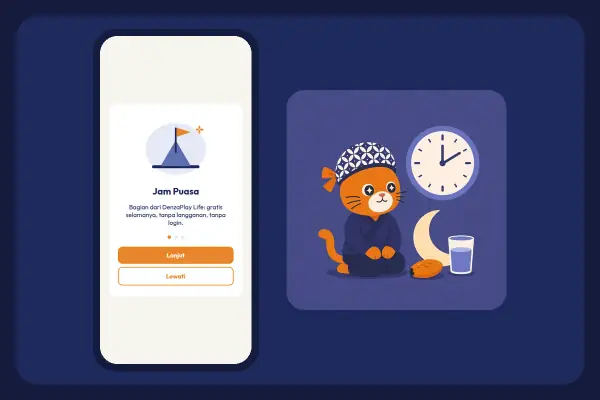
Choose a preset, Custom, or Ramadan and sunnah under Mode.
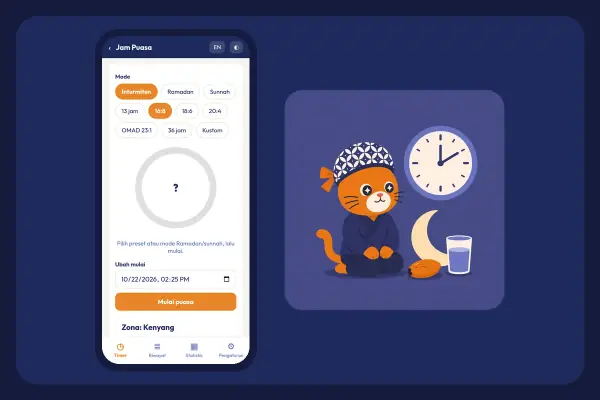
Tap Start fast and the timer gets going.
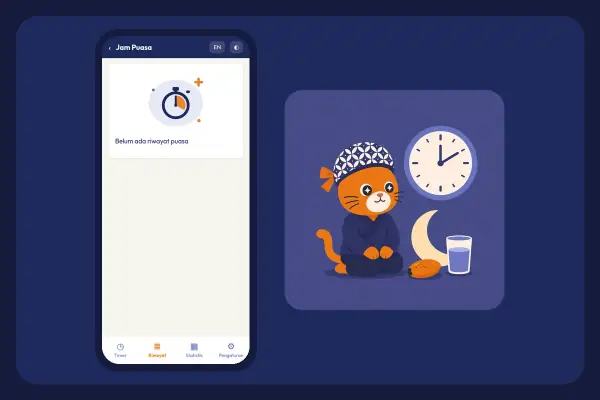
Check Remaining and Zone whenever you like.
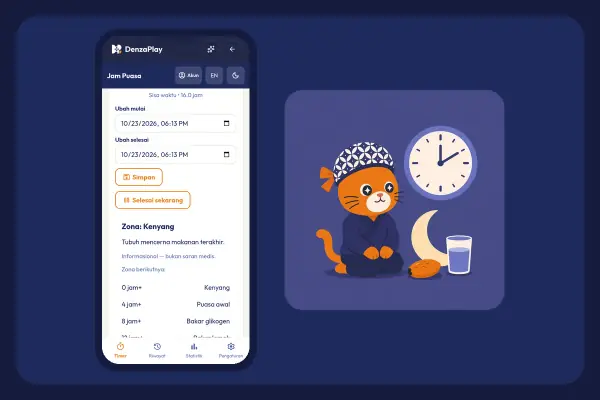
Tap Finish now. Got the time wrong? Fix it with Edit start or Edit end.
Imsak to maghrib, worked out offline for your city.
A heads-up when your fast ends or your eating window closes.
Total sessions, on-target finishes, average hours, your last 7 sessions and your streak.
Intermittent fasting presets for your diet, or set your own length.
No. Google sign-in is optional and only for sync. Without it, your data stays on your device.
Yes. Use an intermittent fasting preset or set your own with Custom, then keep an eye on your eating window. Jam Puasa only keeps time, so for eating plans and health questions, ask an expert.
They're a Kemenag-style estimate worked out offline for your city. For certainty, check the official schedule where you live.
Rajin: Habit TrackerOne tick today, another tomorrow, and your streak keeps getting longer. Start from a habit template, then peek at your stats.
 Kendi: Water Reminder
A dry throat means you're already behind on water. Kendi logs how much you drink and reminds you before it gets that far.
 Curhat: Mood Journal
Big grin or crumpled face? Pick the emoji mood that fits, note what you got up to today, and your journal gains another page.
 Otot Kawat: Gym Log
No more memorising what you lifted on the last set. Otot Kawat logs every workout, saves your routines and shows your progress.