 Jam Puasa: Diet Timer
Stomach rumbling? Check the timer first. Jam Puasa times your intermittent fast, comes with ready-made presets and has a Ramadan mode for the fasting month.

Scan with your camera or import from your gallery, tidy the pages and export a PDF. No watermark lurking in the corner.

Allow the camera, snap each page, then tidy up: crop, rotate, add a filter, reorder or retake a shot that didn't work. On the web, cropping is manual, since there's no automatic edge detection yet.
The PDF is built on your device, in A4, F4 or Letter, and you can compress it. KTP mode scans both sides of the card. OCR reads Indonesian and English text on a best-effort basis, so you can copy or search it. On the web, the OCR engine downloads once the first time you use it, so you'll need internet then. Pages still save offline.
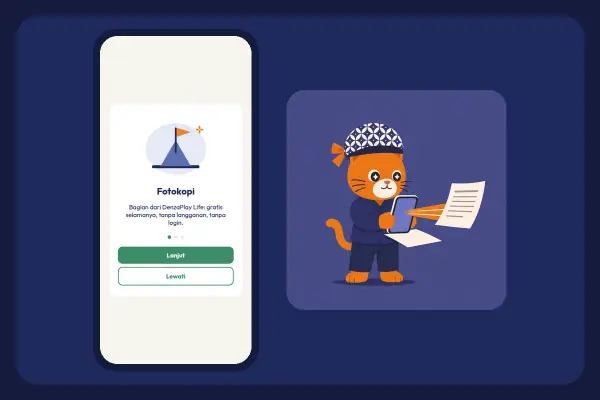
Tap Scan new document, then Allow camera.
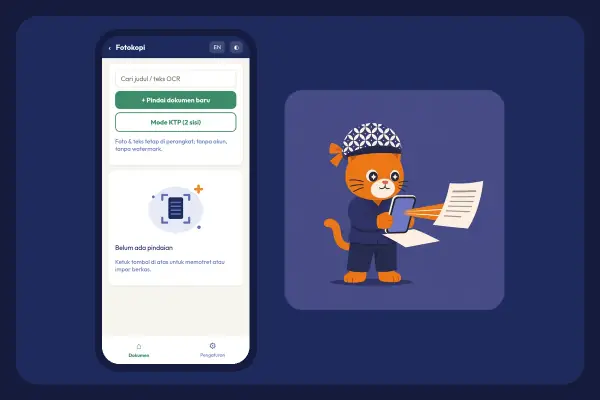
Point the camera, tap Capture, then Done. Or use Import from files/gallery.
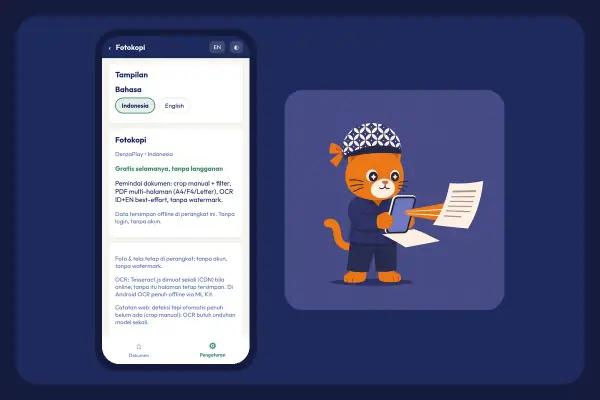
Use Crop page, Full frame, Filter, Rotate, reorder or Retake.
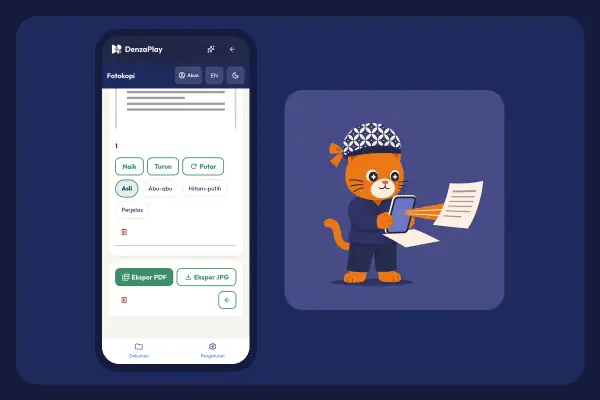
Tap Export PDF.
A4, F4 or Letter, plus Compress PDF.
Reads Indonesian and English text so you can copy or search it.
Keep documents in folders and search by title or OCR text.
Share the PDF, or save each page as a JPG.
On the web, the OCR engine downloads once the first time you use it. After that, text recognition runs in your browser. Pages still save even if OCR fails.
Not yet. On the web you crop by hand with Crop page.
None. Your PDF stays clean.
Jam Puasa: Diet TimerStomach rumbling? Check the timer first. Jam Puasa times your intermittent fast, comes with ready-made presets and has a Ramadan mode for the fasting month.
 Rajin: Habit Tracker
One tick today, another tomorrow, and your streak keeps getting longer. Start from a habit template, then peek at your stats.
 Kendi: Water Reminder
A dry throat means you're already behind on water. Kendi logs how much you drink and reminds you before it gets that far.
 Curhat: Mood Journal
Big grin or crumpled face? Pick the emoji mood that fits, note what you got up to today, and your journal gains another page.